Trading Company
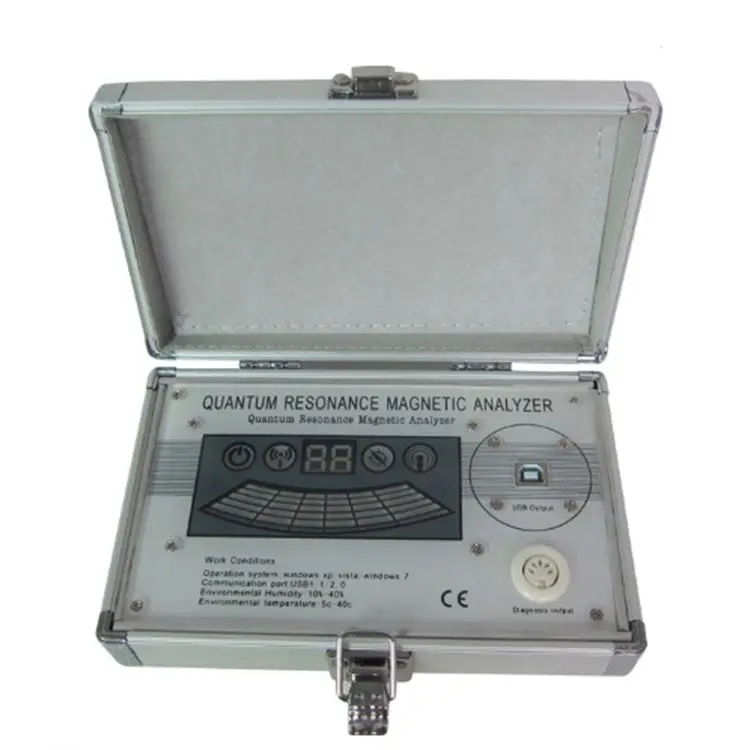
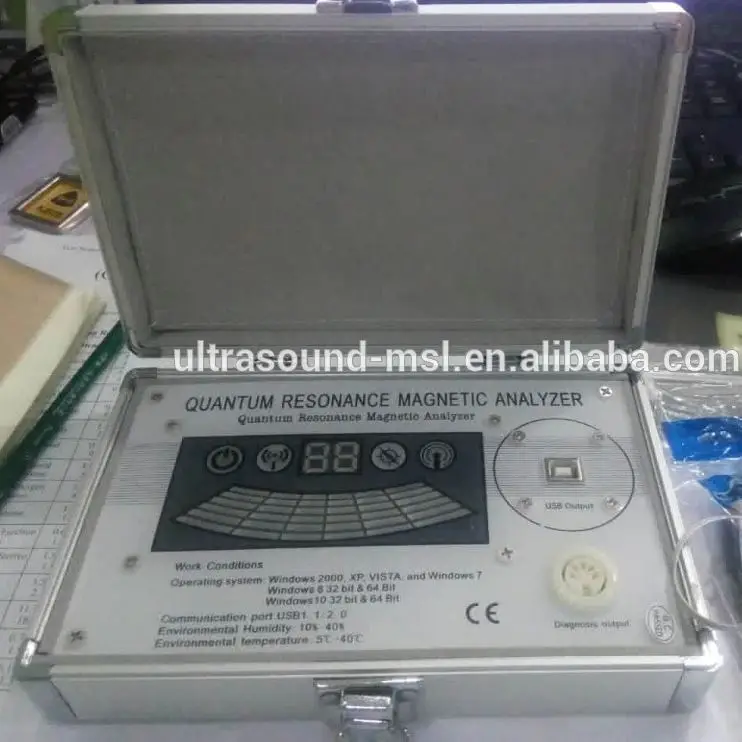
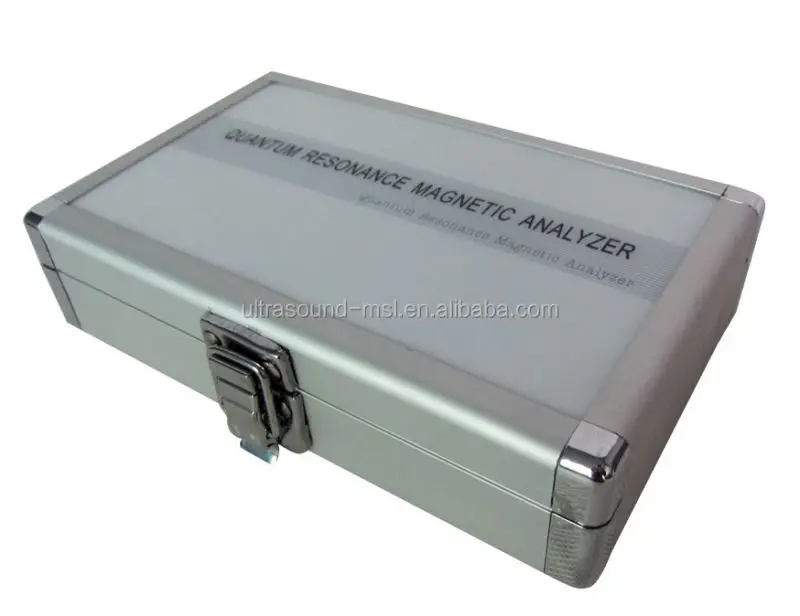
Newest Technology Analizador Cuantico High Quality Low Price Mini Quantum Resonance Magnetic Analyzer
USD 30.00 – 55.00
/ Other
Price varies by quantity and specifications
| MOQ | 1 Other |
| Category | Medical |

Year Established
2026
Employees
1-50
More from this Supplier




Product Description
Product Description
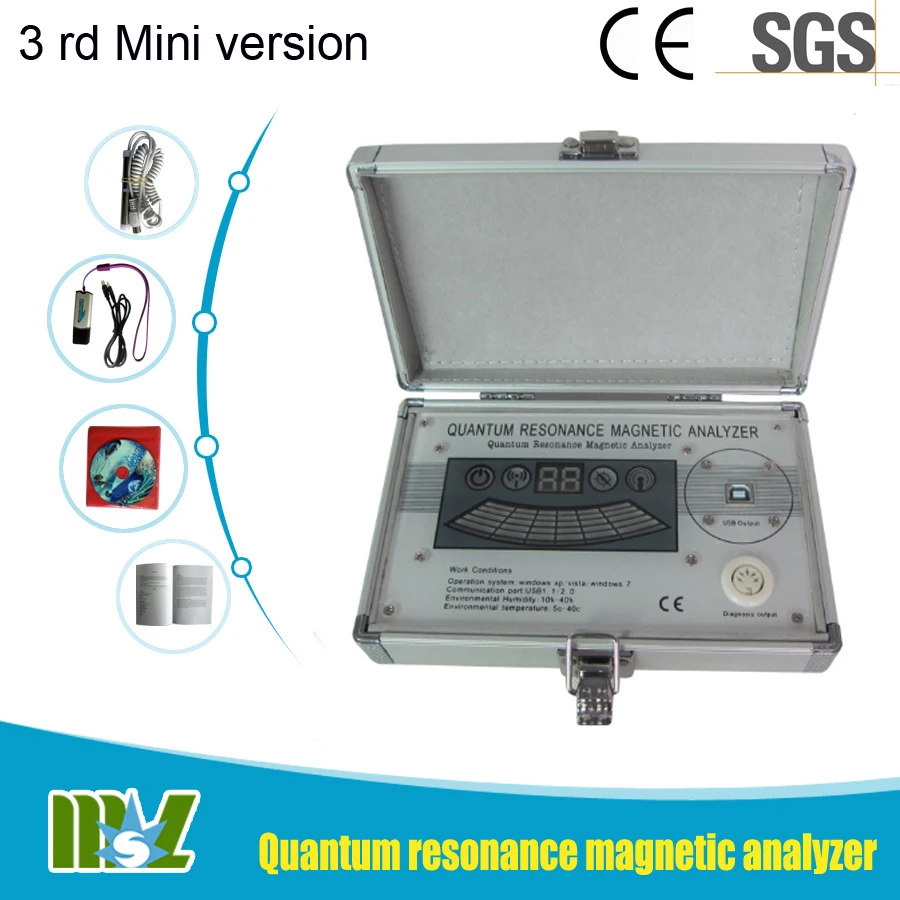
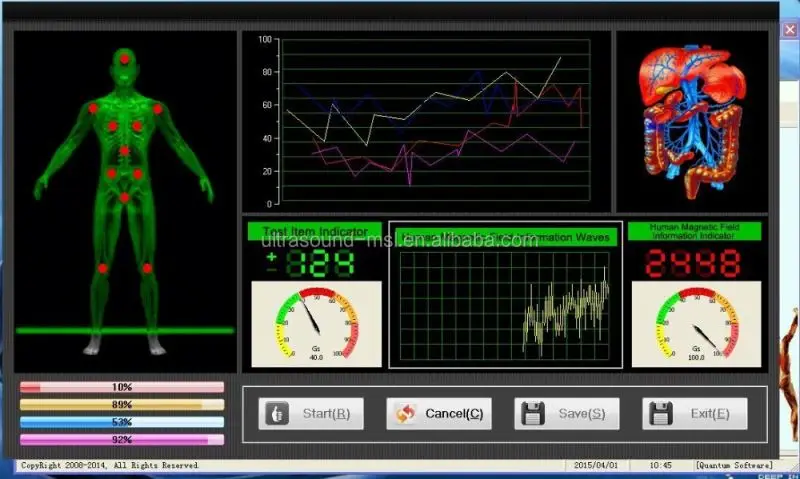
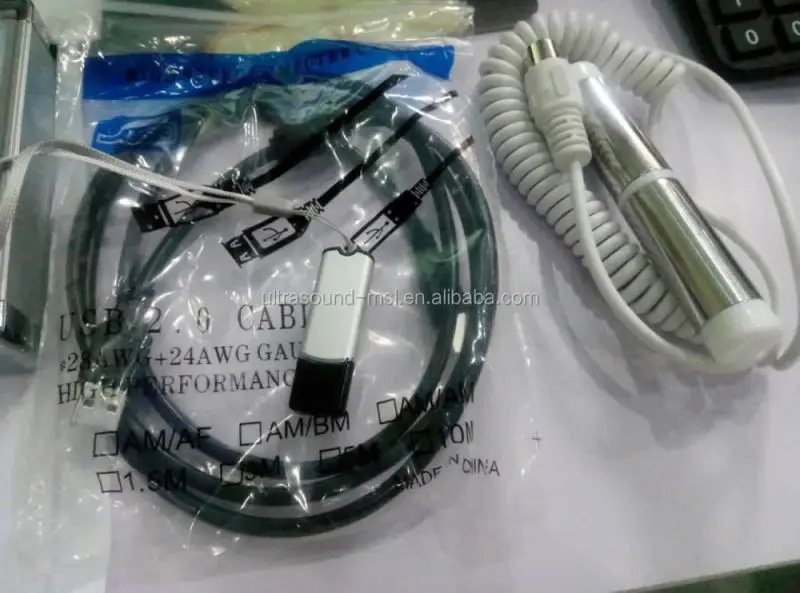
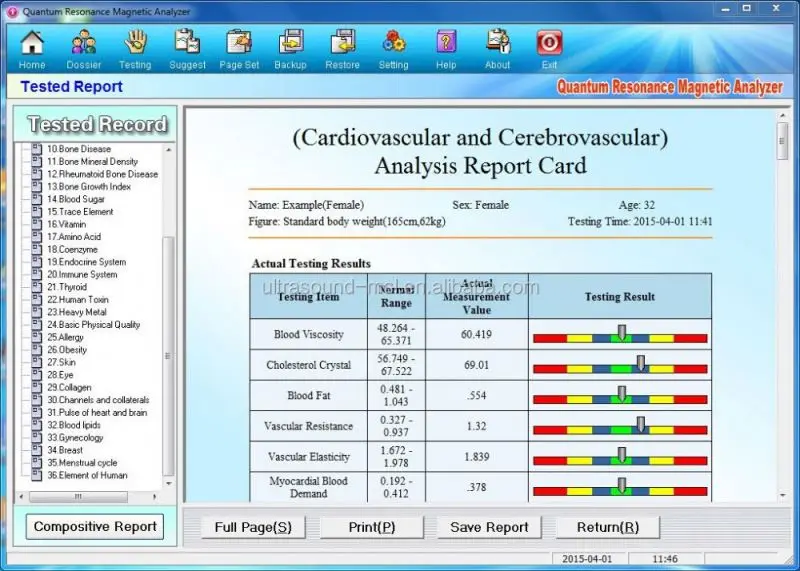
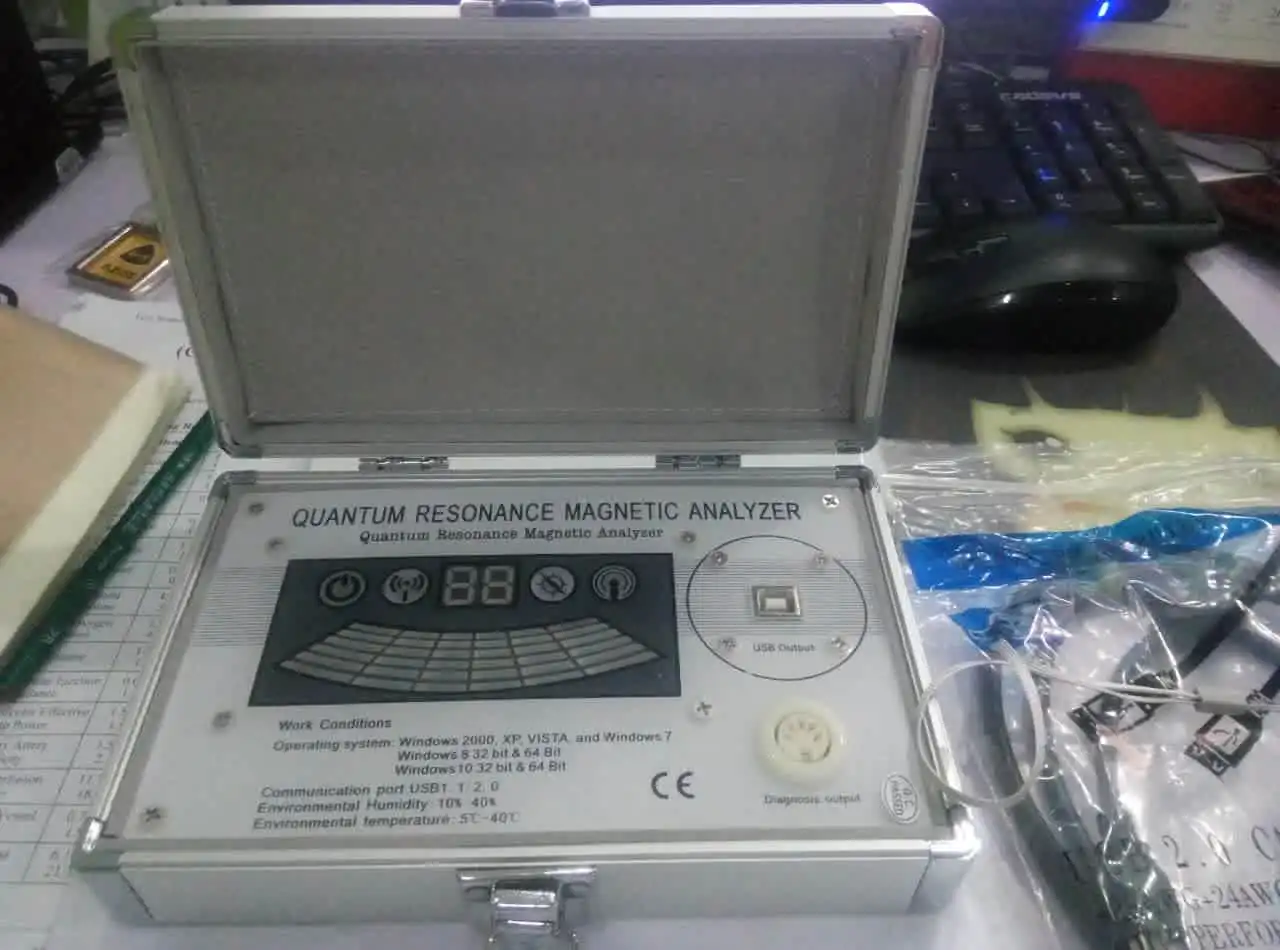
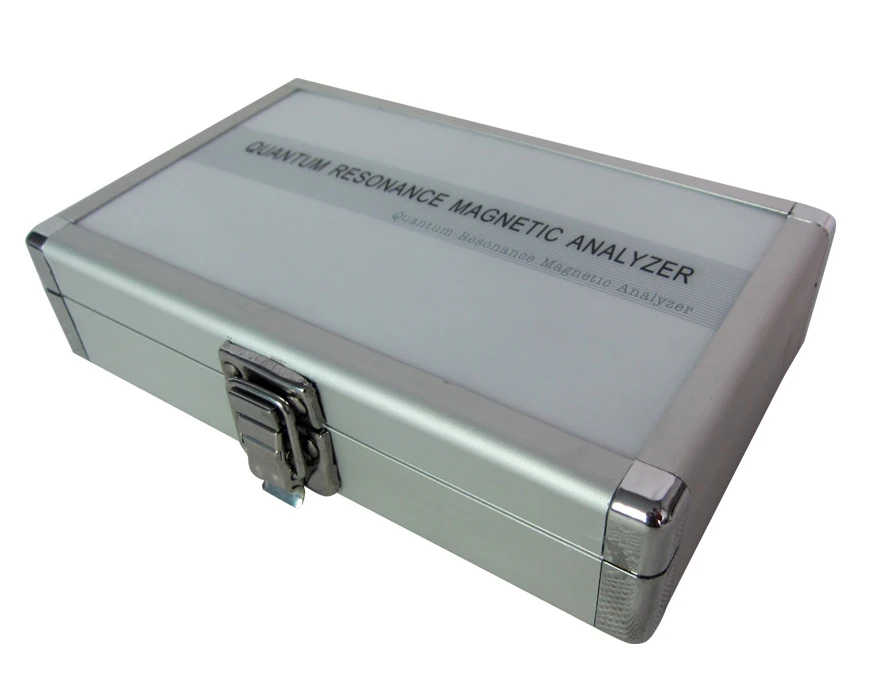
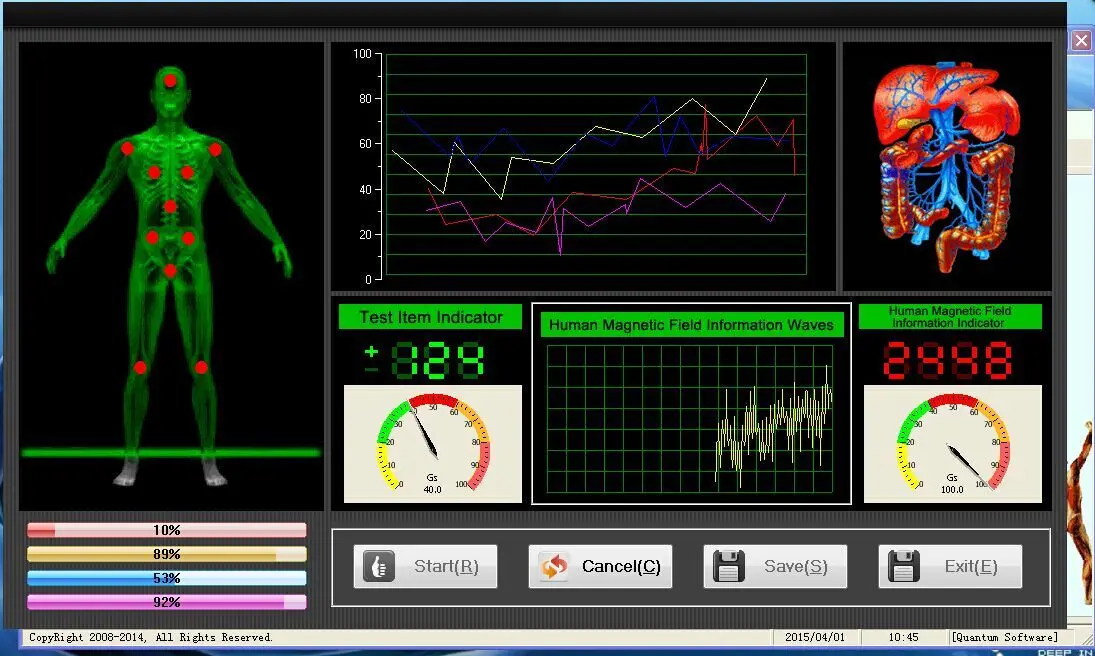
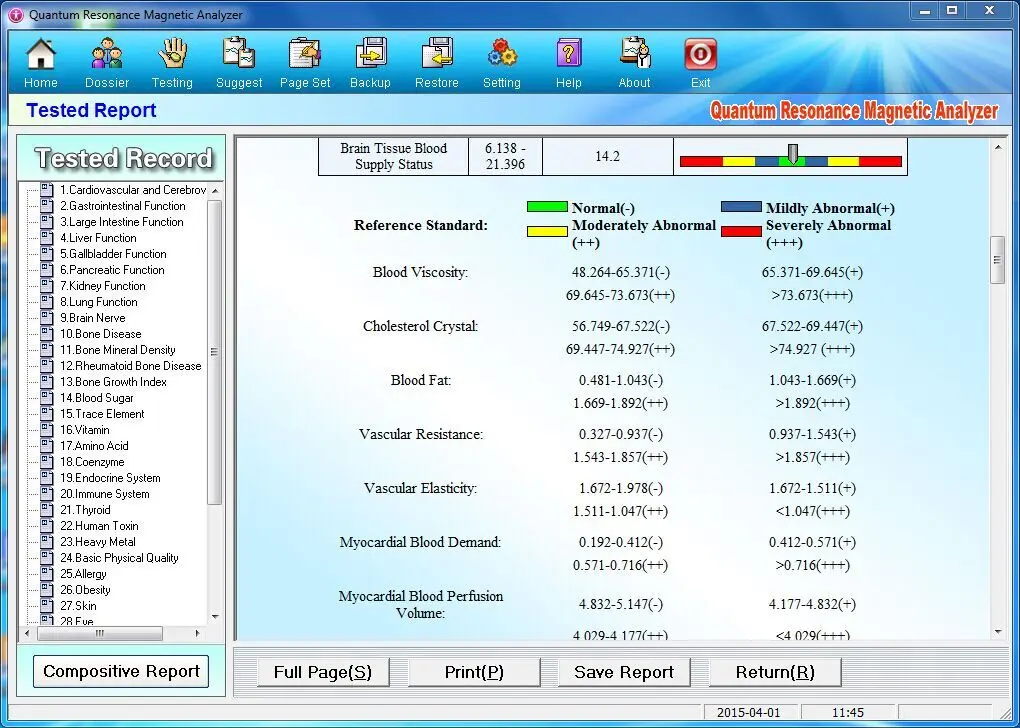
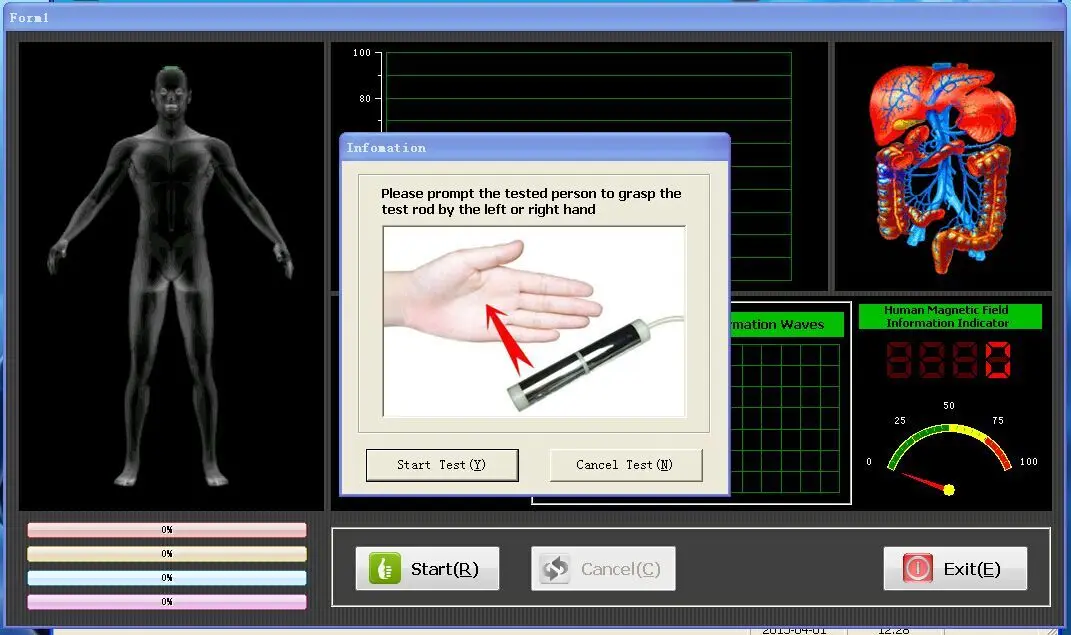
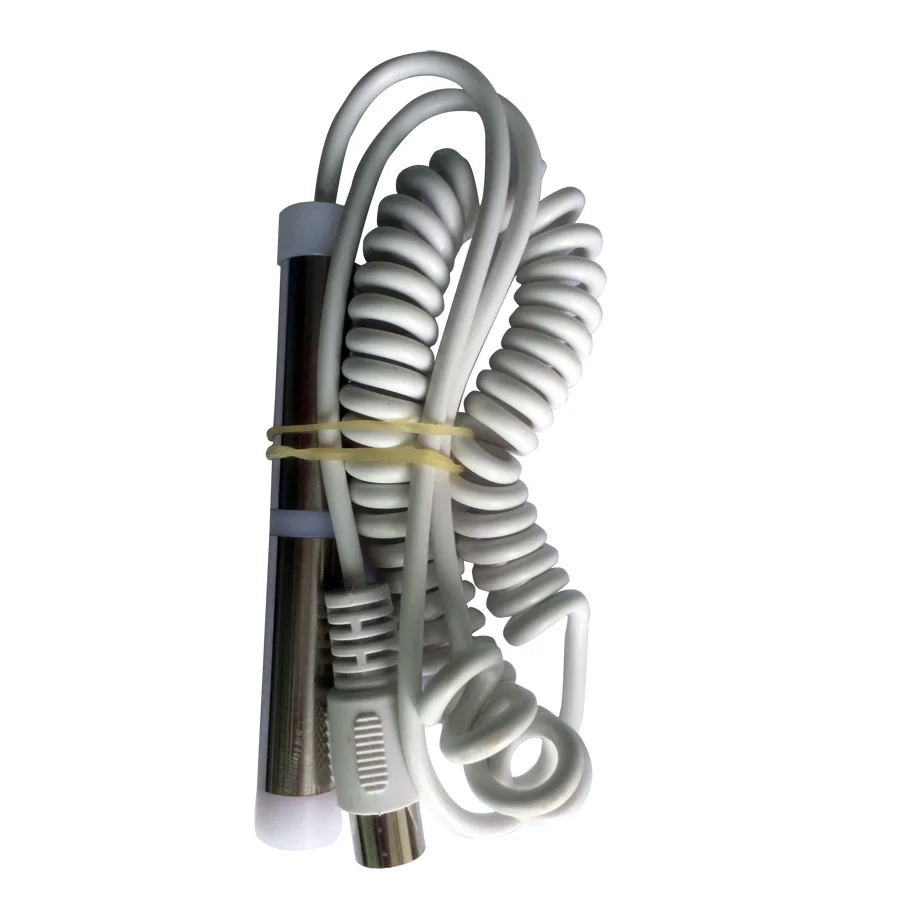
Usage of quantum resonance magnetic analyzer 1, Insert the USB interface to connect to computer. Put the CD in CD-driver and install the software. 2. Insert the encryption key (USB interface) to computer then run the software and fill in the information of patient,such as name,age,gender 3. Let the patient hold the sensor close 4.Then click on the instruction to start the test 5. Get the result and suggestions for the patient 6. The test report can be printed on paper.
Specification
| Type | Biochemical Analysis System |
| Name | Quantum resonance magnetic analyzer |
| Brand name | MSL |
| Model number | MSLHQ301 |
| Place of Origin | Guangdong China |
| Language Version | English,Spanish,French,Vietnamese,Thai,Portuguese Etc |
| Certification | CE,SGS |
| Color | Silver,Gold |
| Software Version | 3.9 |
| Warranty | 1 year |
| Test Reports | 41 |
| OEM | Available |
| Generation | 3rd newest |
Technical Specifications
| Type | Biochemical Analysis System |
| Brand Name | MSL |
| Model Number | MSLHQ301 |
| Warranty | 1 year |
| Instrument classification | Class III |
| Place of Origin | Guangdong, China |
| Language Version | English,Spanish,French,Vietnamese,Thai,Portuguese Etc |
| Certification | CE, SGS |
| Color | Silver, Gold, White |
| Software Version | 3.9 |
| Test Reports | 41 items |
| Generation | 3rd newest |
| Supported Systems | Win2K/XP / 2003 / Vista/Win7 (32 bits and 64 bits) / Win 8 |
| OEM Available | Yes |